BloxNG How to Redeem Codes
Step-by-step redeem flow for when BloxNG promo codes go live, plus where drops come from in early beta.
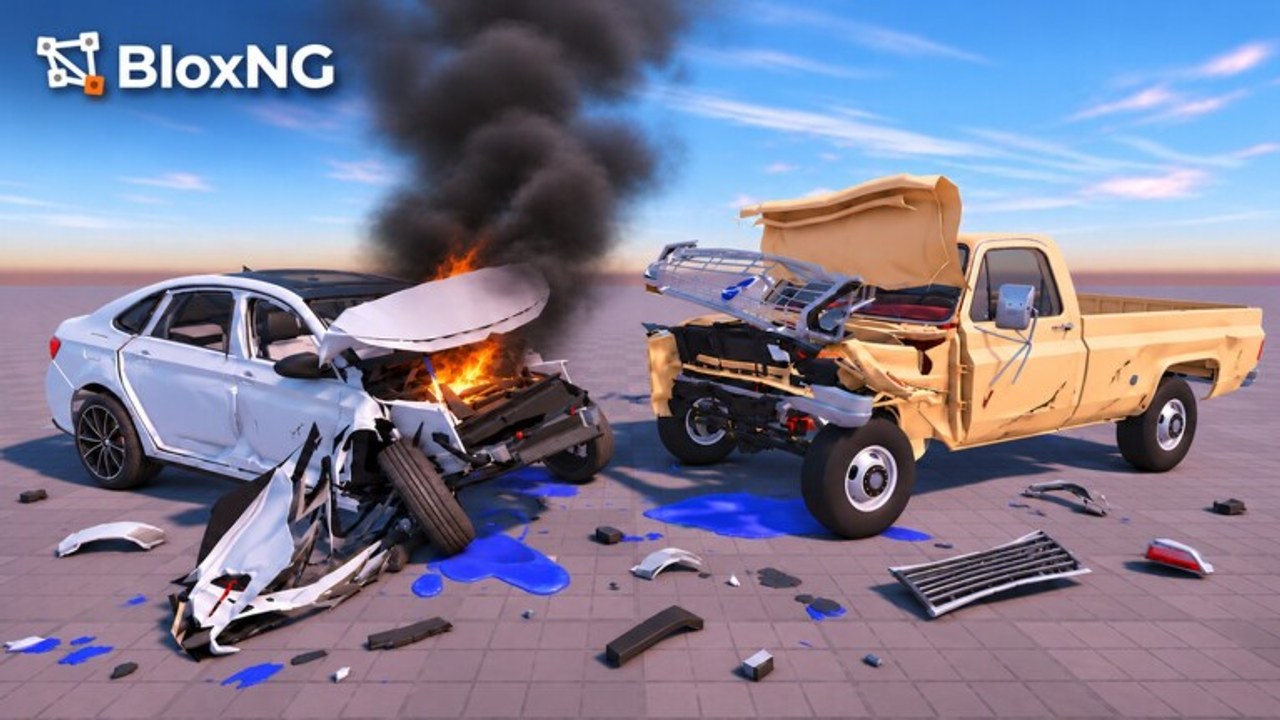
BloxNG [CRASH PHYSICS] does not currently list confirmed public promo codes, but redeem systems on Roblox vehicle sims follow a familiar pattern. This guide explains where codes come from, how you will enter them, and what to do when a redeem fails, so you are ready the moment Deform Dynamics posts a working string.
Keep the Codes Hub open in another tab. That hub holds the active/expired tables; this page is the playbook.
Status check before you hunt codes
- Game: BloxNG [CRASH PHYSICS] by Deform Dynamics
- Platform: Roblox on Desktop, Mobile, Tablet, and Console
- Stage: Early beta (created 2026-10-13)
- Public codes (Nov 2026): None verified
If someone DMs you a “guaranteed” code list for cash, ignore it. Real promos are free and announced in public channels. Pair this guide with updates during event weeks such as Mystery Update (Nov 13–20 2026 ET) or map/airbag patches.
Where BloxNG codes are likely to appear
1. Official Discord
Join discord.com/invite/pHKv7SCvmV. Enable notifications for announcement or codes-related channels. Event threads during Mystery Update-style windows often post limited-time strings or reward instructions before anywhere else.
2. Roblox group and place page
Open the BloxNG place and follow Deform Dynamics. Group shouts and social links on the experience page are classic Roblox promo surfaces. Screenshot the code the moment you see it; social posts scroll away quickly during high CCU spikes (this place often sits in the low tens of thousands concurrent).
3. Patch notes and in-game banners
Airbags, new maps, and drive updates can ship with banner text or temporary UI. Cross-check anything you see against the Codes Hub so you do not mistype a banner slogan as a code.
4. Creator content
Overview and crash videos sometimes flash a string mid-clip. Treat video overlays as unverified until the hub lists them. Never download “code redeemers” disguised as executors — that path belongs only to players who already accept script risks on the Scripts Hub.
Expected redeem steps (when the UI exists)
Exact button labels can change in beta. Use this checklist as the default flow:
- Launch BloxNG from Roblox and wait until your character and HUD fully load on a server (max 10 players).
- Open the shop, rewards, settings, or hamburger menu and look for Codes, Redeem, Gifts, or Promo.
- Tap the text field, paste the code exactly as published (watch
0vsO,1vsl). - Confirm / Redeem and wait for a success toast or error message.
- Verify the reward in cash, inventory, garage, or cosmetics — soft-body crash toys and cars may appear in a dealership UI rather than a backpack.
If the game later adds a mailbox or claim queue, claim there before buying another car. New players should also skim Getting Started so they do not spend a code reward on the wrong first vehicle for their crash goals.
Platform notes
- Desktop: Easiest paste from Discord; keep the hub open beside the client.
- Mobile / Tablet: Paste from the Roblox mobile app clipboard; avoid typing long mixed-case strings by hand.
- Console: Use the on-screen keyboard carefully or redeem on a linked device if Roblox/experience UI allows cross-claim on the same account.
Server size is only 10, so queues are uncommon, but event peaks can still lag menus. Wait out a soft freeze before double-tapping Redeem, or you may think a code failed when it already applied.
Troubleshooting failed redeems
| Symptom | Likely cause | What to try |
|---|---|---|
| Invalid code | Typo, extra space, wrong game | Re-copy from Codes Hub; confirm it is for BloxNG |
| Already redeemed | One redeem per account | Check garage/cash; you likely already got it |
| Expired | Timed event ended | Move on; watch Discord for the next drop |
| Level / badge locked | New-player or event gate | Progress tutorial objectives first |
| No Codes button | UI not shipped yet or hidden in beta | Update Roblox, rejoin, check updates |
| Success but no item | Reward in another menu | Refresh inventory, shop owned list, or rejoin server |
Still stuck? Ask in Discord with a screenshot that hides your full Roblox cookie/session data. Never share password, backup codes, or .ROBLOSECURITY.
How codes interact with progression
BloxNG is a soft-body crash physics sim: speed, angle, and weight shape crumple, wheel snap-offs, hanging doors, shattered glass, and broken engines or tyres. Promo rewards — when they exist — usually accelerate access to heavier cars or cosmetics rather than replacing skill. After claiming:
- Decide whether you want spectacle or survival using crash builds.
- Check vehicle tiers before dumping code cash into a flashy but fragile ride.
- Read Updates so an airbag or map change does not obsolete your plan the same week.
Codes will not fix a bad approach angle into a barrier. They only shorten the grind to the chassis you want to fold.
Safety rules that never change
- Only redeem inside the official BloxNG UI or Roblox-approved flows.
- Never type codes into third-party “gen” websites.
- Do not trade account access for “private codes.”
- Treat script loaders and promo codes as separate topics — see how to use scripts if you insist on executors, and understand ban risk.
- Prefer Discord + this wiki over random SEO spam pages titled with every Roblox game at once.
After you redeem — next steps
- Confirm the reward visually (cash counter, owned car, cosmetic).
- Mark the code as used in your own notes so you do not retry endlessly.
- Return to the Codes Hub later for new rows; we clear expired strings from the active table.
- Jump into a server and test the reward in a controlled crash — soft-body feedback is the whole point of BloxNG.
FAQ-oriented tips for event weeks
During Mystery Update-style events, codes (if any) may share the spotlight with temporary maps or mystery objectives. Read event channels completely: sometimes the “code” is actually an in-world interactable or a badge claim, not a text box. When in doubt, follow official wording, then verify on this wiki before spreading a rumor in chat.
If Deform Dynamics ever runs platform-wide Roblox promo partnerships, those strings may appear on Roblox blog or email channels as well. Still paste them only in-game.
Related links
- Codes Hub — active and expired tables
- Updates Hub — patch and event timing
- Getting Started — first-hour loop
- Tier List Hub — where to spend reward cash
- Scripts Hub — unrelated to promo redeem; read safety first
Stay patient in early beta. An empty redeem box today is normal; a prepared checklist means you will not miss the first real BloxNG code drop tomorrow.
Frequently Asked Questions
Quick answers for BloxNG crash physics, codes, scripts, and updates.
Can I redeem BloxNG codes right now?
There are no confirmed public codes as of November 2026. When strings appear, enter them in the in-game Codes/Redeem UI and track them on the Codes Hub.
Where do official codes come from?
Primarily the [Discord invite](https://discord.com/invite/pHKv7SCvmV), Deform Dynamics group shouts, place banners, and notes covered on Updates.
What if the Codes button is missing?
The redeem UI may not be shipped yet in early beta, or it may sit under Shop/Settings. Update Roblox, rejoin, and check patch notes before assuming a code is fake.
Why did my code say invalid?
Common causes are typos, expiry, wrong game, or a code you already claimed. Re-copy from the Codes Hub and review the troubleshooting table above.
Are redeem guides the same as script guides?
No. Promo redeem is official. Executors and loadstrings are optional and risky — see how to use scripts only if you accept those risks.